New features in RevMan
Structuring analyses in RevMan - included in the the release 5/3 2026
Upcoming RevMan improvements will help you structure your analyses more accurately, avoid common Summary of Findings (SoF) issues, and prepare complete synthesis PICOs.
👉 You can also sign up to try upcoming SoF functionality as a beta tester.
Smarter Analysis groups
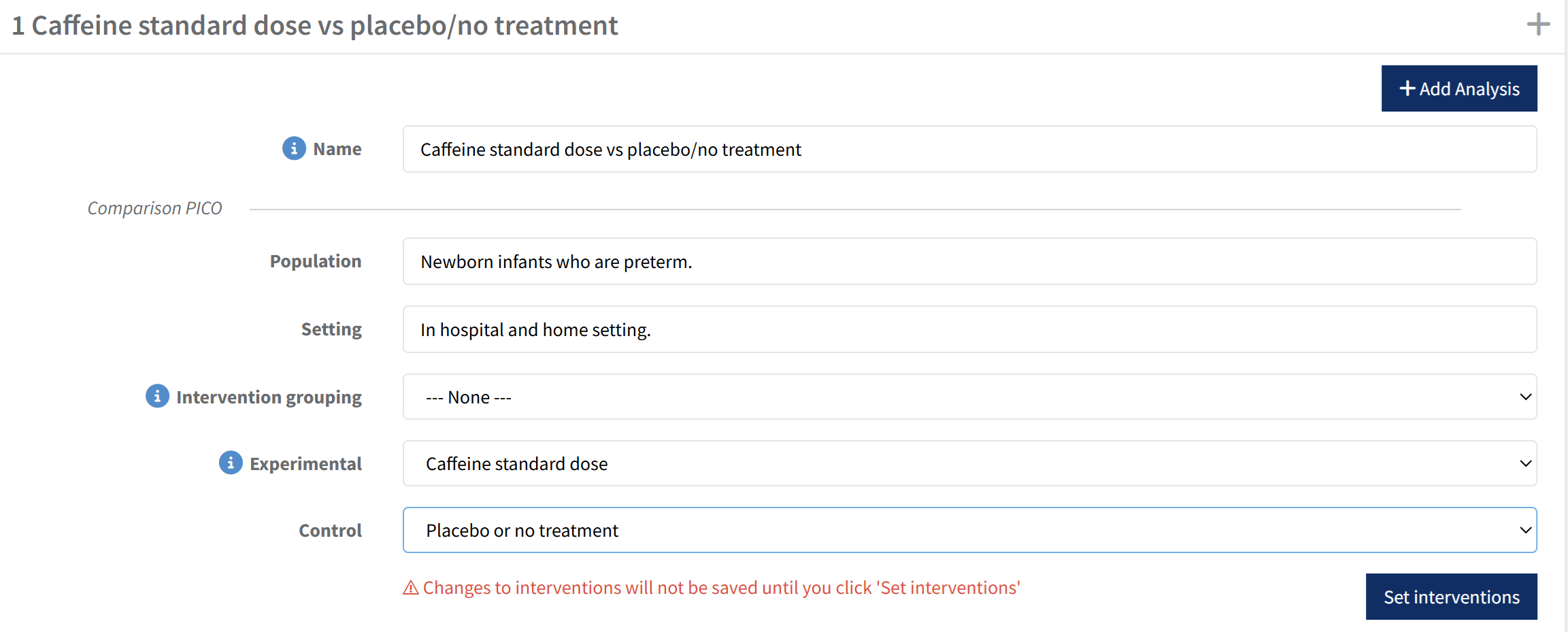
You can define comparison PICs for the analysis groups—then apply them automatically to all analyses in that group. This includes:
- Population
- Setting
- Experimental and control intervention
What this means for you:
- Less repetitive setup
- Consistent comparison PICs
For existing analyses, you can use Set interventions to update ALL analyses within the analysis group quickly.
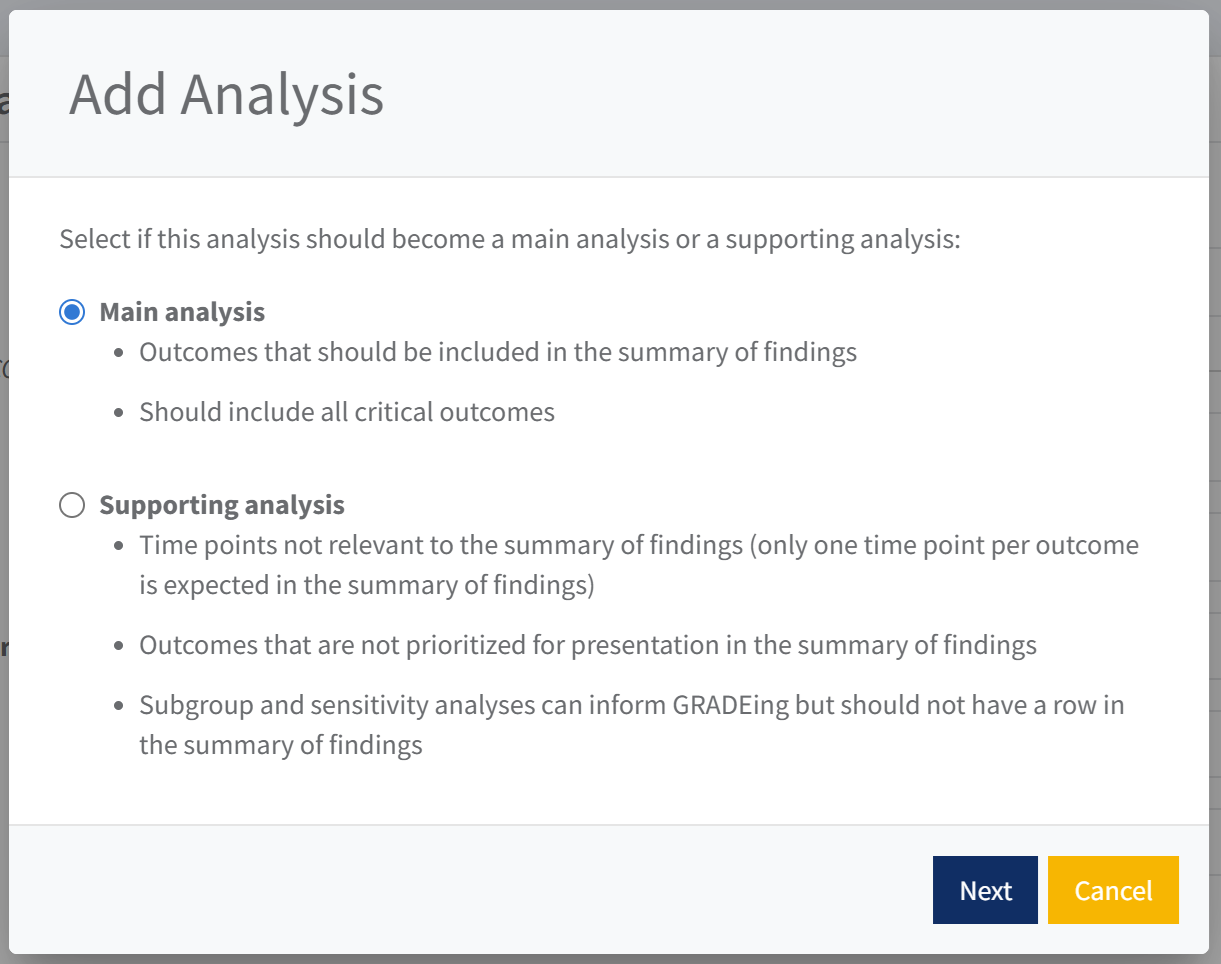
Clear classification of Main vs Supporting analyses
When creating a new analysis, you can select whether it is a Main or Supporting analysis.
Benefits: You can structure your analyses to inform what you plan to include in your SoF.
Existing analyses will automatically be grouped under Main analyses, but you can easily move them. Note, if you are creating new tables using the GRADEpro integration, you will need to remove supporting analyses from the SoF.
👉 Explore common problems in SoF tables and how to avoid them.
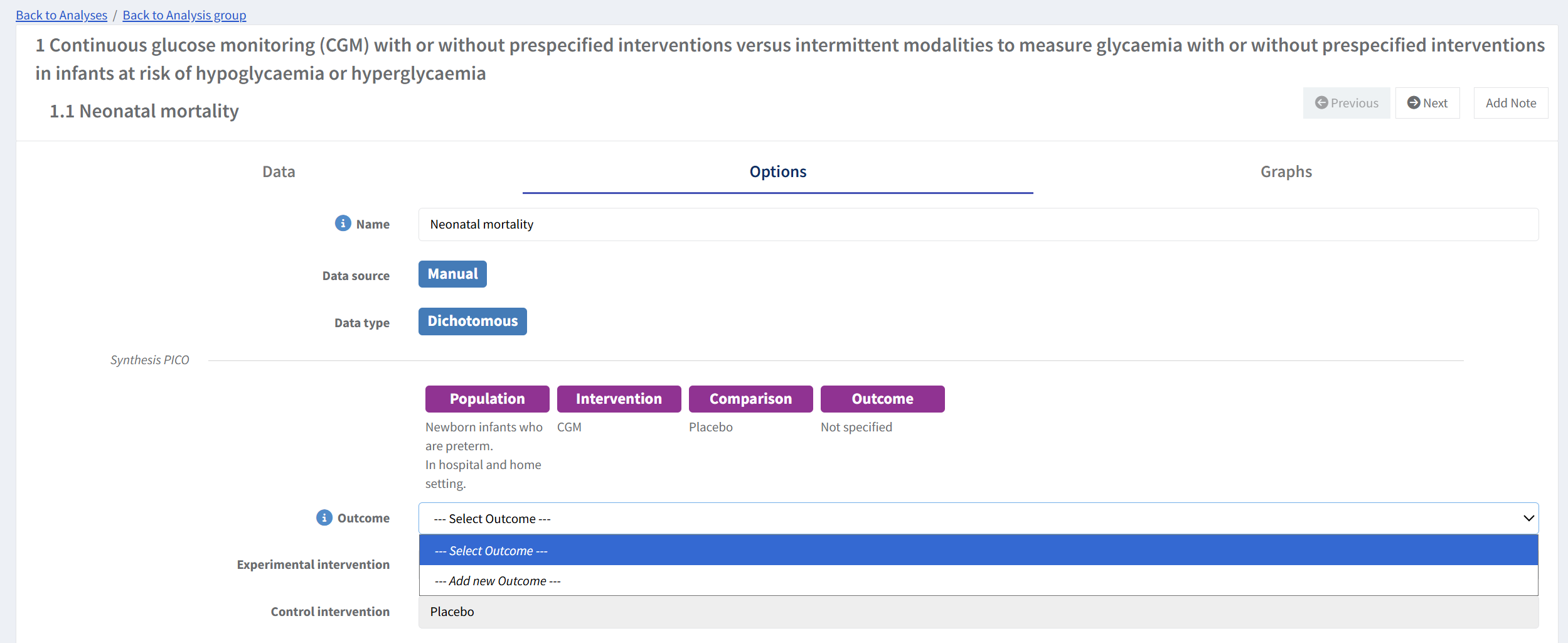
Set Outcomes (including manual analyses)
You will be able to set an outcome for every analysis, enabling RevMan to generate a complete synthesis PICO for each analysis. PICOs will be visible both within the analysis and in the analysis list.
For support with defining synthesis PICOs:
👉 Follow the InsynQ guidance
Improved setup for synthesis PICOs
You’ll be able to add outcomes, interventions, and covariates directly from the analysis options and from the analysis group screen—making it easier and faster to build analyses without navigating multiple screens.
See features planned for development this year: