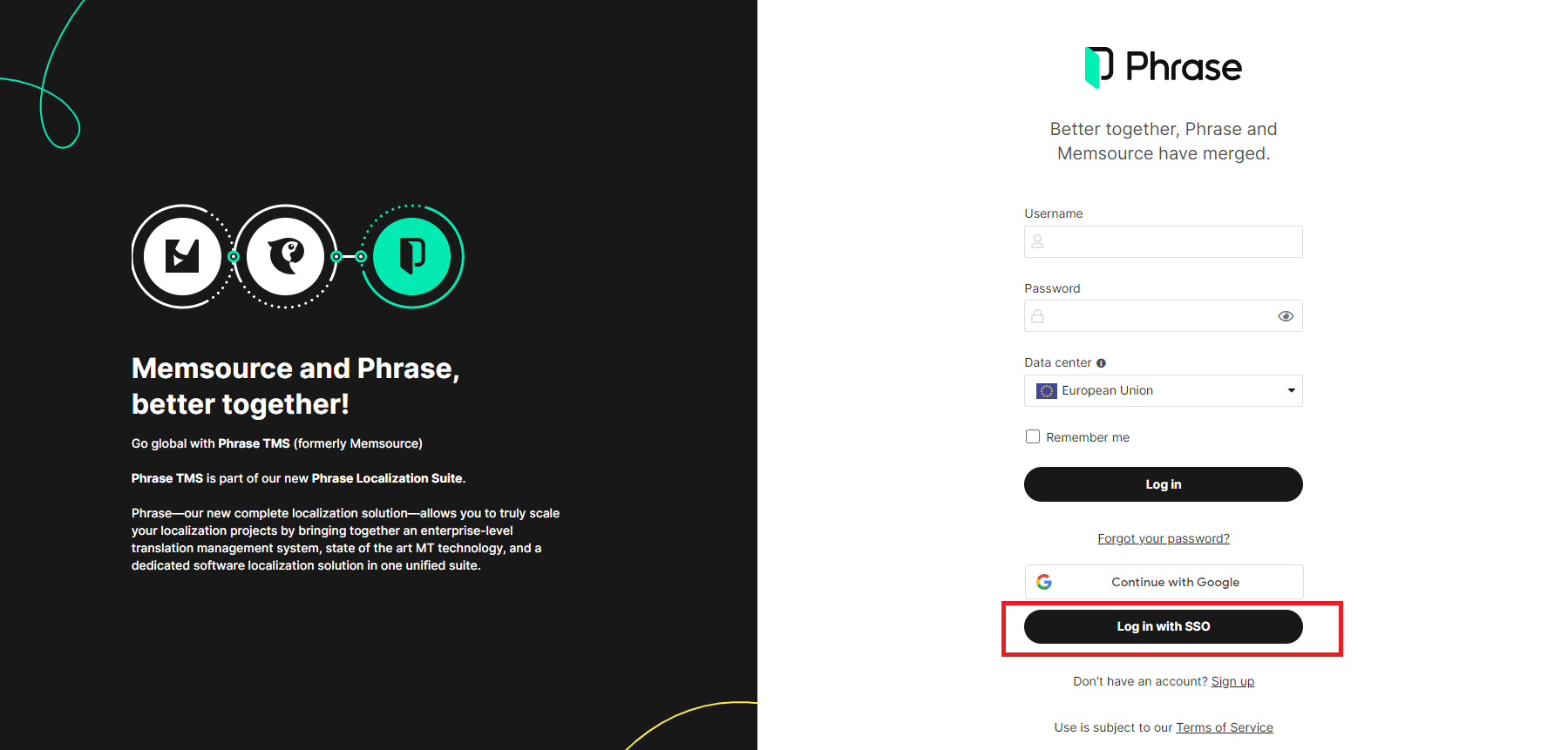
1. Click on this link:
...
https://
...
eu.
...
phrase.com/
...
idm-ui/
...
signin/sso?uniqueId=cochrane
2. Click "Continue to login".
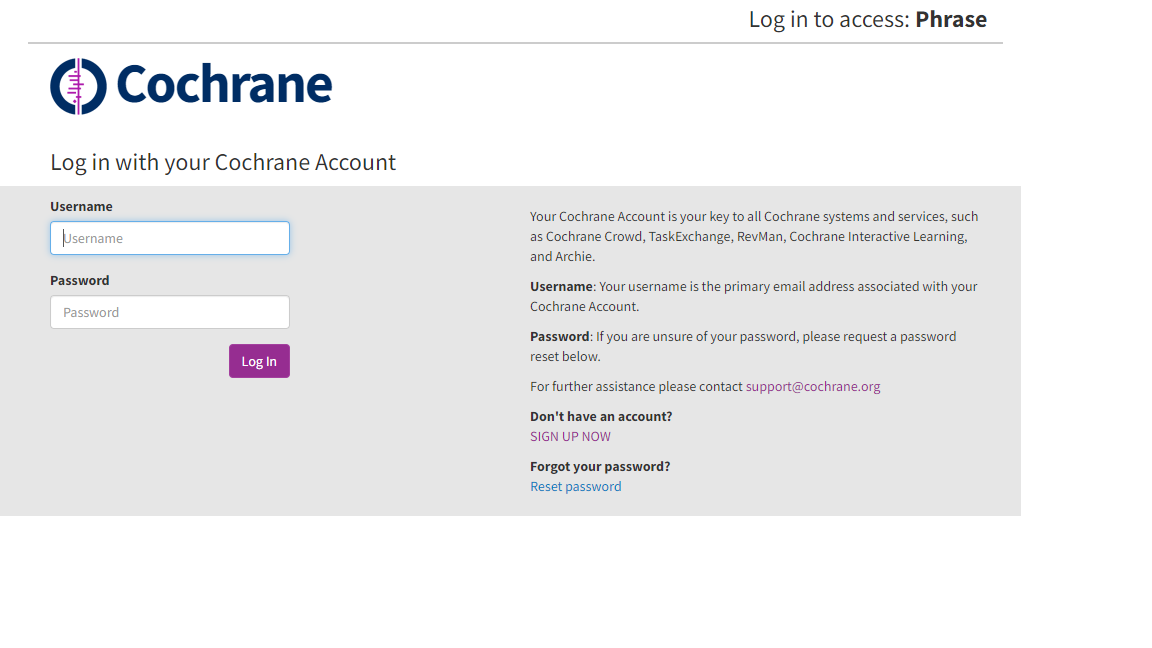
3. You will be asked to log in to Phrase (formerly Memsource) with your Cochrane Account.
Enter your Cochrane Account username (email address) and password.
3. If you log in to Phrase (formerly Memsource) for the first time, you will be asked to accept the translator agreement.
Check the box to confirm that you understand and accept the terms of use, and click "Submit". If you do not accept the terms, you cannot log in to Phrase (formerly Memsource).
...
4. After logging in, please select “Phrase TMS” from the list of products on the dashboard.
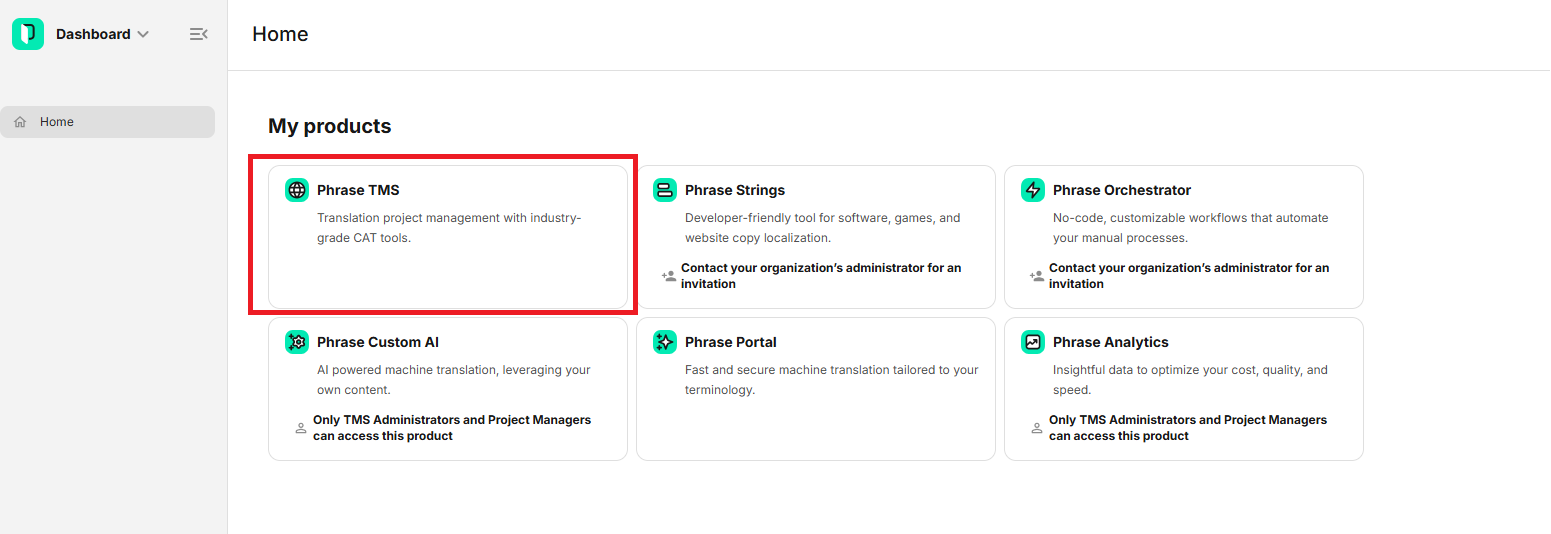
5. You will be logged in to Phrase (formerly Memsource).
You will see the list of projects. When It will be empty when you log in for the first time, it will be empty.

In case If you are trying to access Phrase through the following link: https://cloud.memsource.com/web/login/auth or https://eu.phrase.com/idm-ui/signin, click the “Log in with SSO” button.
Next, enter “cochrane-sso” “cochrane” as the Company domain and then click “Continue” to log in with your Cochrane Account as described above.